Turning Fragmented AI Workflows into One Scalable Legal Workspace
Designing a scalable workspace for teams to build, test, manage, and collaborate on AI-powered legal workflows.
PLAI

MY ROLE:
Product Designer
TIMELINE:
Jul 2025- Feb 2026
PLATFORM:
Web App
READING TIME:
12 Minutes
About PLAI

A Glance

Prerequisites, Designing for AI
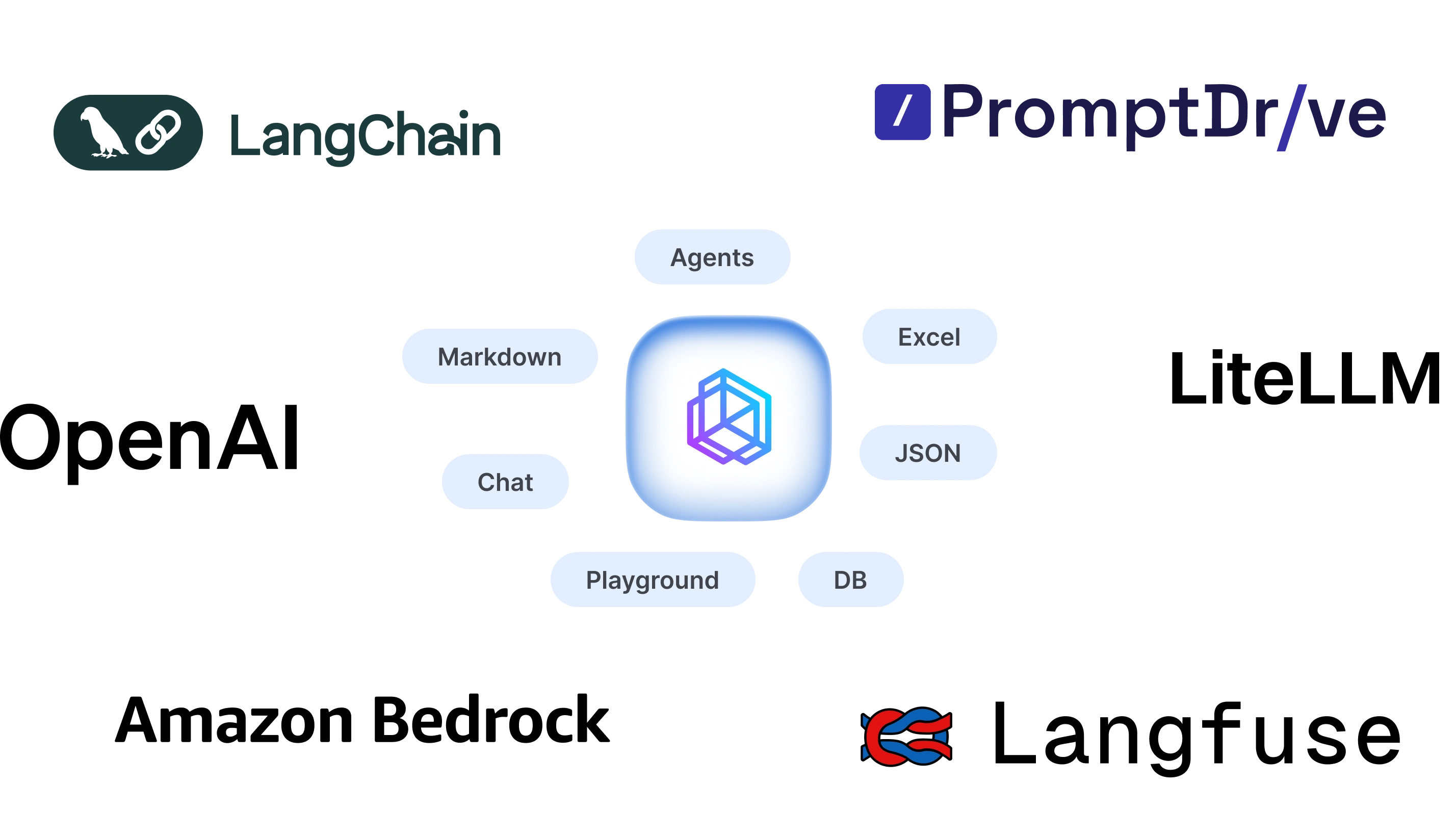
Core Features Highlights


Playground
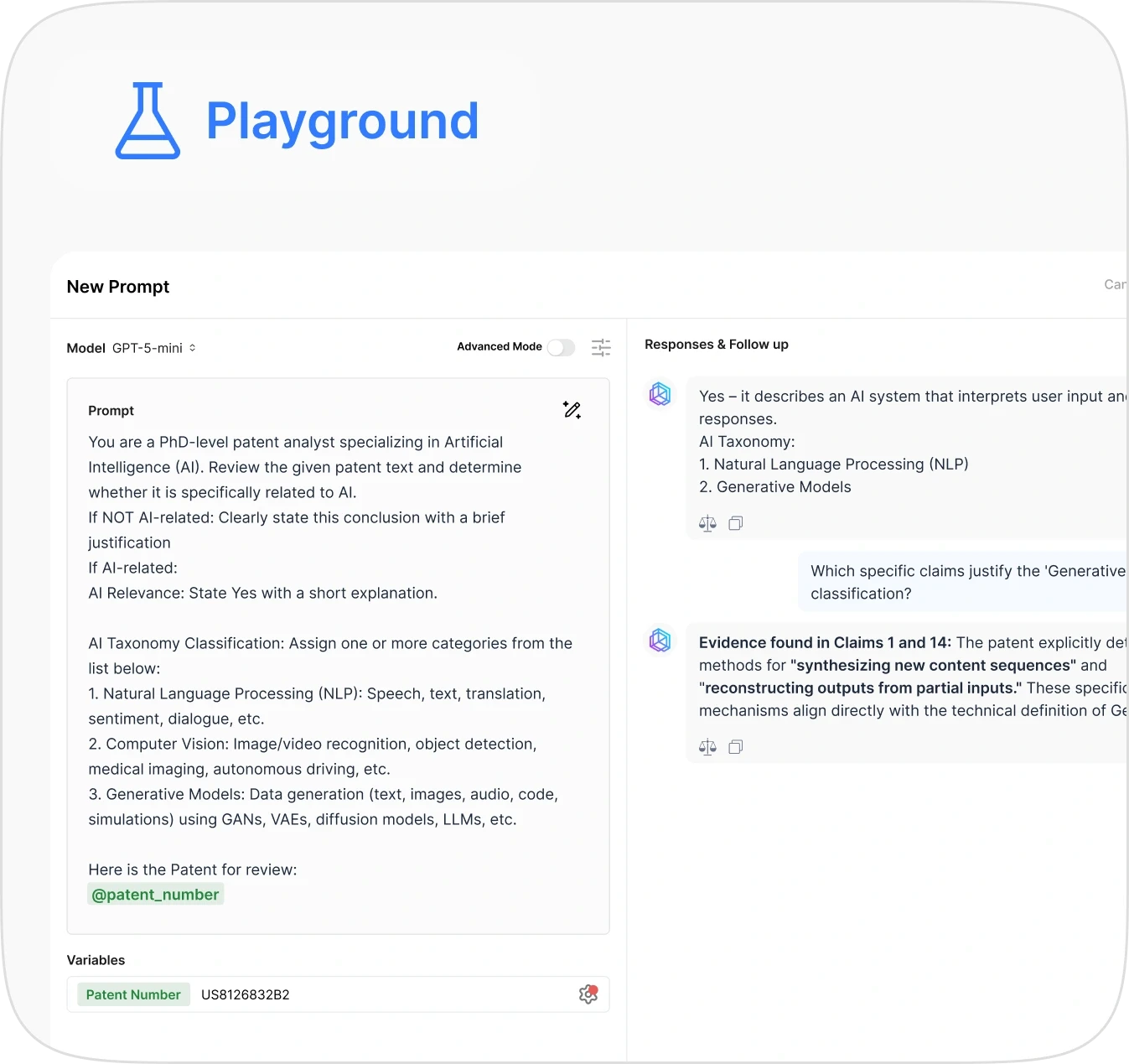
Playground helps the users to ideate, test and iterate prompts with additional parameters like with variables and fields.

Features
Prompt Generator: Just describe your prompt in few words and AI will craft a detailed prompt
Variables: like patent number, case ID, litigation number, or docket ID, etc. typing the character “@” enables variables
Fields: Title, Abstract, Claims, First Claim, Description.
Advanced Mode: To control temperature and reasoning of the model.
Compare: Compare responses across different LLM outputs
Follow up: Building in-depth analysis with patent through chat
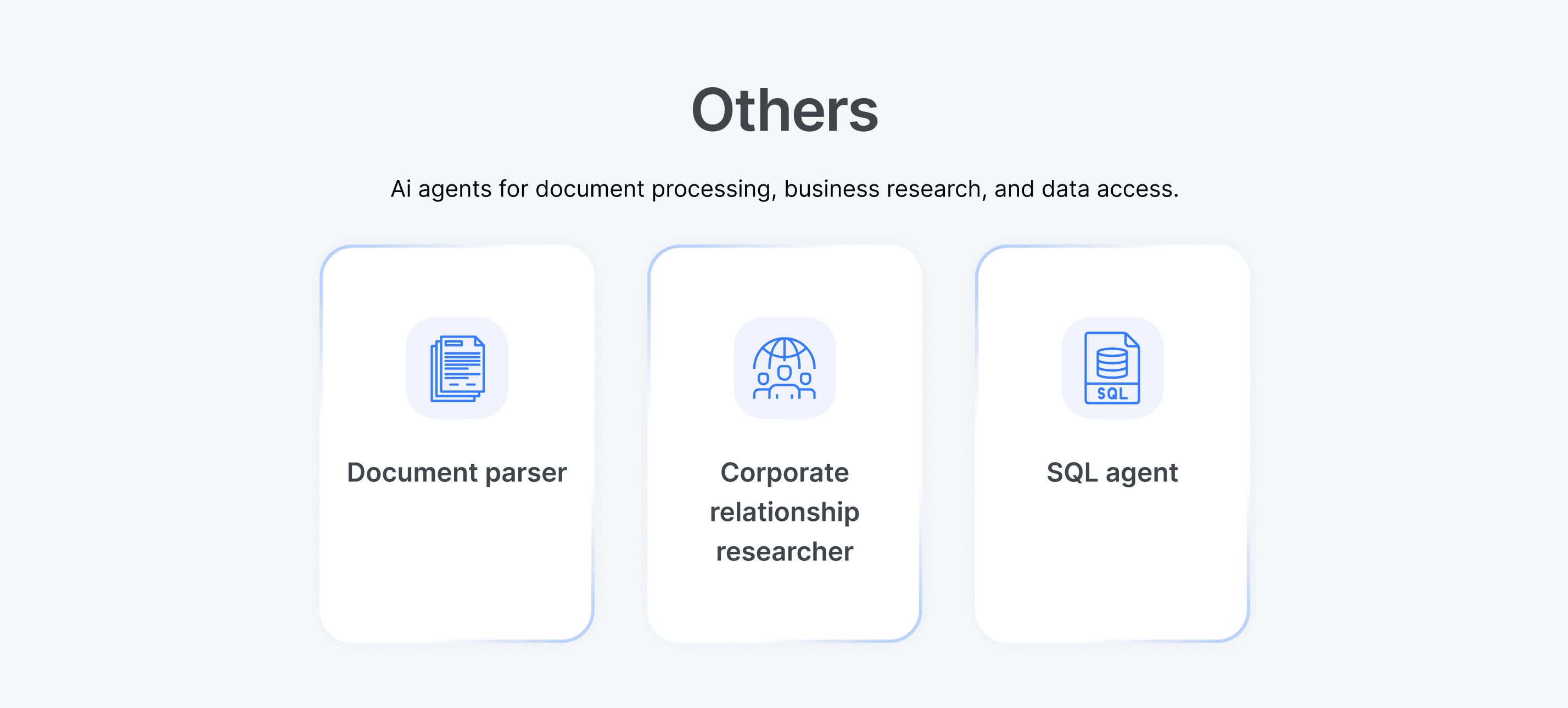
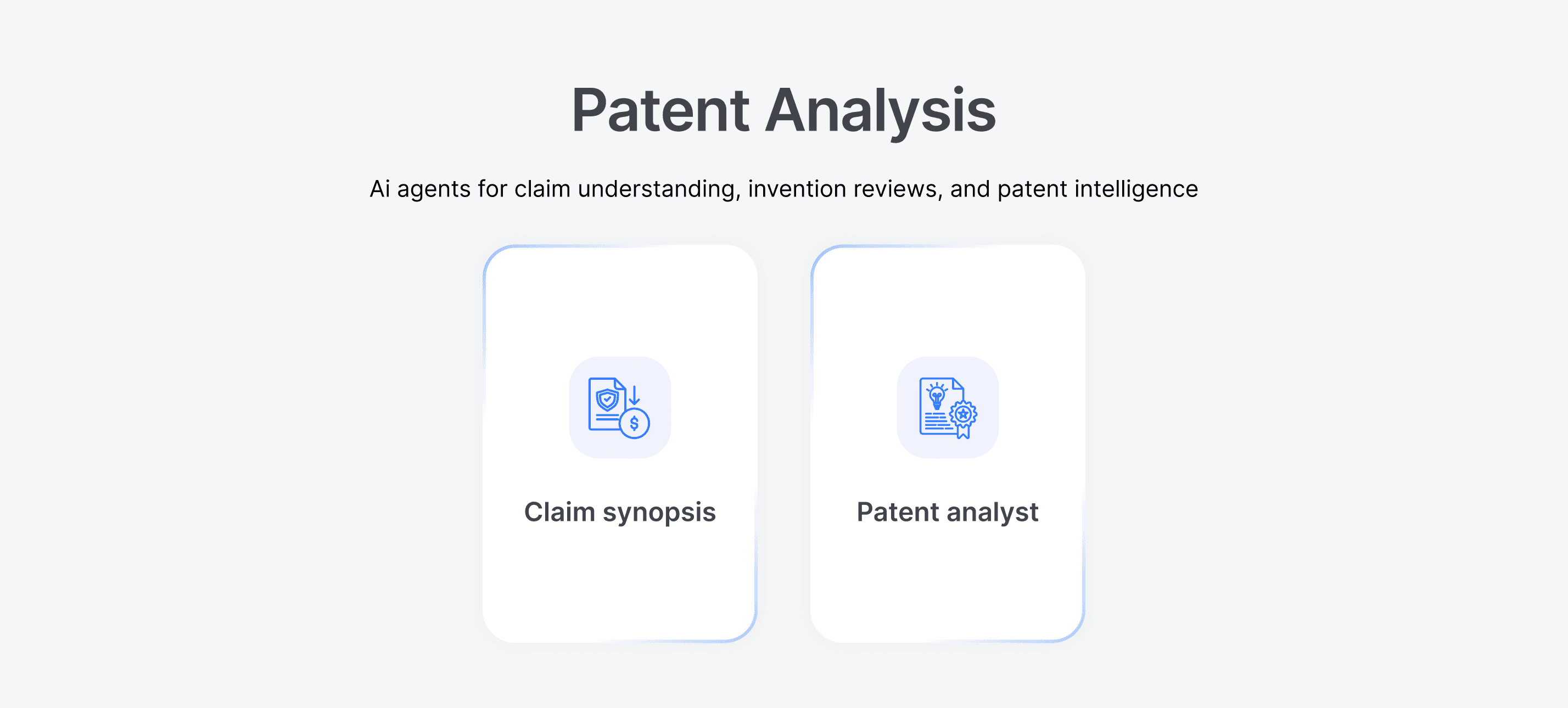
Types of Agents

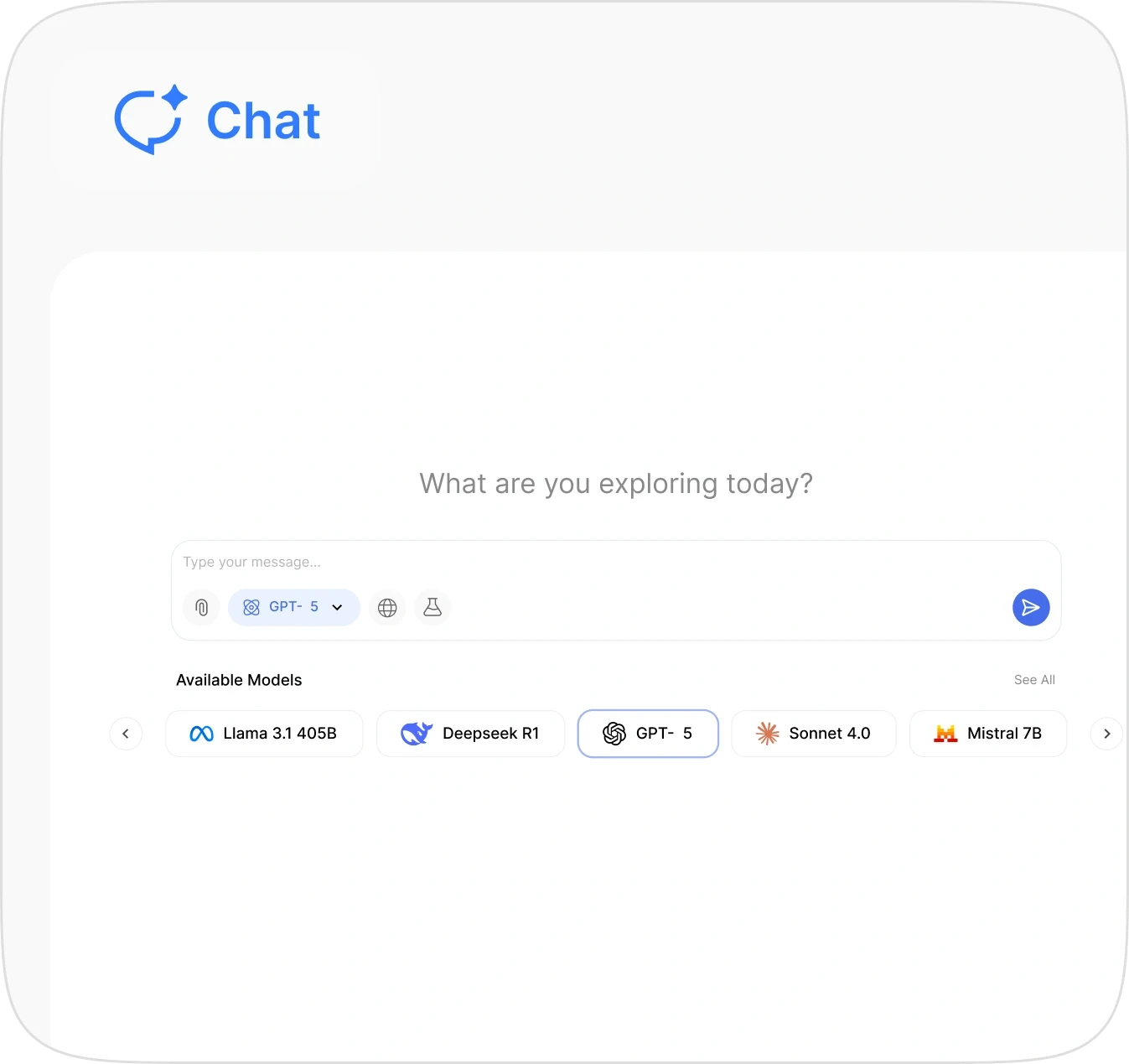
Chat
Playground helps the users to ideate, test and iterate prompts with additional parameters like with variables and fields.

Chat with all the multiple model available in market without switching apps inspired from perplexity, but since these model directly hit respective API endpoint the enterprise data is much safter compared , teams plan on ChatGPT or Claude since they deal with Legal IP and patent privacy isn’t a feature but a necessity. This feature allow the users to use multi model at fraction of the cost. Including, file attachments, reasoning capabilities which much need from a Legal IP perspective for analysis
Prompt Library
It is a repo where user could publish their prompt, it can be cloned and used by different user at their customisation and connivence. It is tags if the author include and author name for identification and filtering. Need of it ? It’s an enterprise application where many people work on different aspects of a same task were collaboration is a necessity. Hence the prompt library exists as bridge to streamline the cross functional people and team in Legal AI
UAC

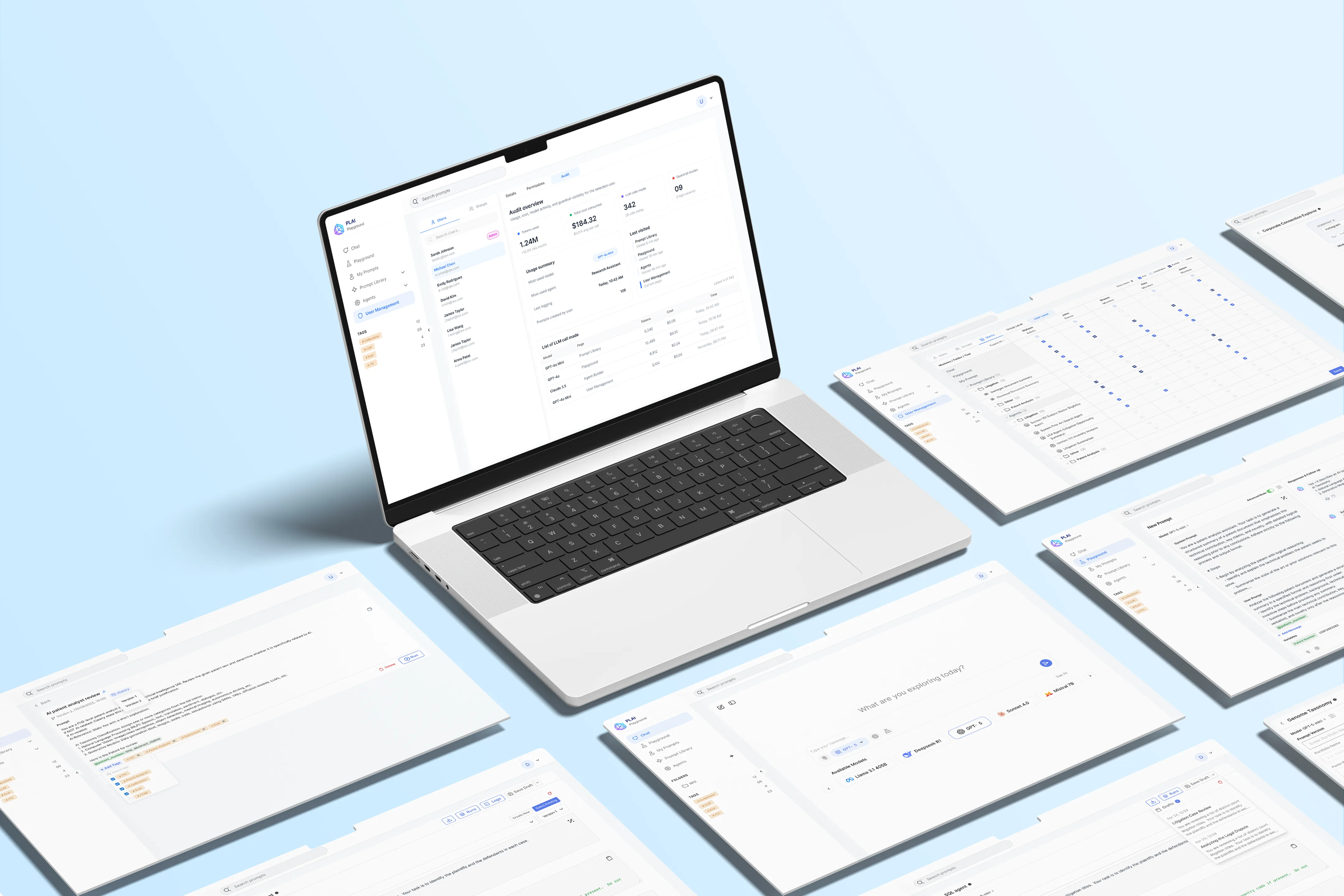
UAC (User Access Control): Only for admin to monitor the entire application either by group or by user with detailed analytics and breakdown for insights
KPIs : Token consumption, Cost breakdown, LLM Calls and Guardrails Triggers.

Permission Matrix: This was client favorite since they can manage entire user’s permission in the same screen making sure who got access to which data since they deal with sensitive assets and data of their client’s
Corporate Connection Explorer
This is simple agent but does a unique job of finding relation between companies and within companies. Since in Legal industry they have to deal with patent, litigation, licenses, analytics, case history and dockets

Permission Matrix: This was client favorite since they can manage entire user’s permission in the same screen making sure who got access to which data since they deal with sensitive assets and data of their client’s
Features that improved user experience
1. Prompt Generator
Turn a few keywords into a ready-to-use prompt no prompt-writing expertise needed. Type "patent analyst specializing in AI," and the tool returns a complete, contextual prompt in seconds, so every user across the Legal AI workflow gets consistent, high-quality outputs without relying on a few power users.

2 . Compare
Choosing the right model used to mean testing prompts one at a time and comparing outputs from memory. Compare runs a prompt across four models simultaneously, helping teams pick the strongest response.
12%
faster (source: user feedback)

3. Estimate Cost
At enterprise scale, running an SQL agent across thousands of rows isn't just a technical task it's a spend decision. Without visibility into cost, teams either over-batch and risk blowing the budget, or under-batch and sacrifice speed to stay safe. Estimate Cost removes that trade-off: it previews cost on a small sample and extrapolates it across the full dataset surfacing $0.001779 per batch → $0.005337 projected total before Run is ever clicked.
8%
cost reduction (source: user feedback)

4. Variables
Every prompt review needed the reviewer to manually look up and paste in the right case ID, patent number, or docket ID — a repetitive lookup step that broke focus before the actual analysis even began. Variables fixes this the way @-connectors work in ChatGPT or Claude: type @, select the variable type (patent number, case ID, docket ID, or any litigation-specific field), and it's pulled live from the database and injected directly into the prompt.
32%
improvement in analysis speed and accuracy (user feedback / internal testing) turning a manual lookup-and-paste habit into a single keystroke.

5. Permission Matrix
Enterprise legal data doesn’t forgive loose access control one wrong click on a sensitive litigation file can become a compliance risk, not just a UX issue.
As Legal AI scaled across teams, admins needed granular control over who could access what. The Permission Matrix lets them manage access at multiple levels from an entire project or folder to individual prompts and agents.
I designed a hierarchical model with user- and group-level permissions, making complex access rules easier to understand and manage. This created a scalable permission system that could evolve with the platform as new teams, prompts, and agents were added.

6. Version History & Tagging
When prompts power complex workflows, one change can alter the entire output making experimentation risky without a safety net. I introduced Git-like versioning so users could test, customize, compare, and roll back prompt versions without losing proven iterations.
Tags add another layer of discoverability, helping users quickly identify prompts by category, use case, or classification.
Together, versioning and tagging turn prompt management from trial-and-error into a controlled, traceable workflow.

Future Scalability & Product Roadmap
Agent Orchestration
Enable multiple specialized agents to collaborate on complex legal tasks, with each agent handling a specific stage of the workflow.
Audit Trail
A full history of every prompt run, variable injected, and output generated — giving compliance teams a defensible record for regulated legal work.
Advanced Analytics Dashboard
Usage and cost insights across teams and agents, helping admins spot which prompts and models are driving the most value and which are burning budget.
Multi-Model Routing
Automatic model selection based on task type and cost threshold, so teams get the right balance of accuracy and spend without manually choosing every time.